

The Blog · since 2008

Practical WordPress tips, fixes and tutorials.

Real fixes and troubleshooting, written by the team that does the work.

WP
WordPress Plugin

How to add the | and ~ separator options back in Yoast SEO plugin

The pipe ( | ) and tilde ( ~ ) separator options for the title have been removed from Yoast SEO plugin version 17.1. As per Yoast, It was done because Google frequently replaces these symbols in search results. For more details, please visit the changelog of the Yoast SEO plugin version 17.1 https://yoast.com/yoast-seo-17-1/ If […]

· Murali Kumar
How to change ssh port and secure it by fail2ban in Linux server
Cloud Server

How to change ssh port and secure it by fail2ban in Linux server

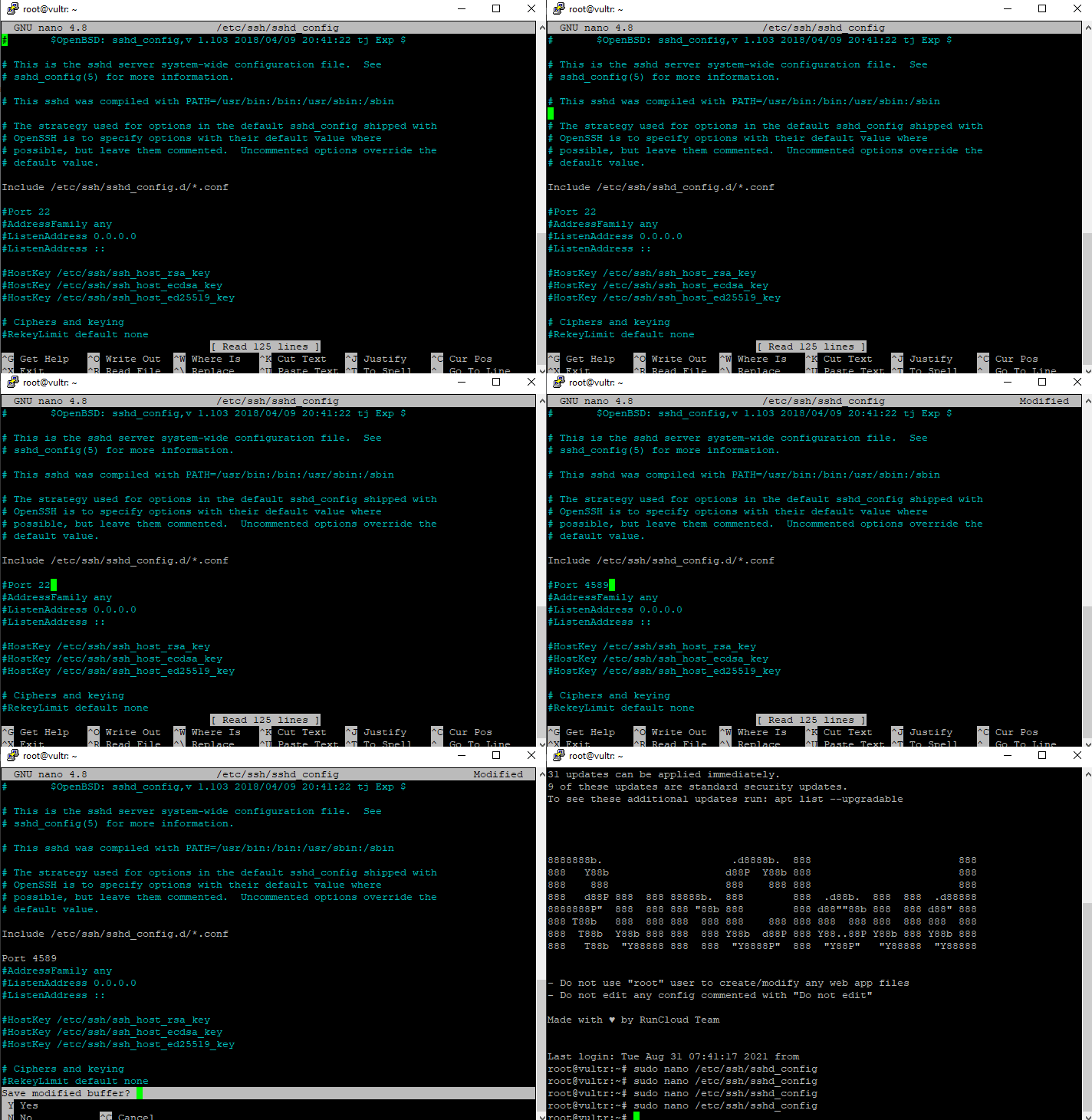
I use runcloud to manage most of my Linux servers, so i have given screenshots of runcloud servers. But you can follow the steps to achieve the same in any Linux server. By default, runcloud has ports 22 (ssh), 80(HTTP), and 443(HTTPS) open, and port 22 is secured by the fail2ban application. If you scroll […]

· Murali Kumar
WP
WordPress Security

5 Simple rules in Cloudflare to Secure your WordPress website

You can add an extra layer of security to your WordPress website using the Cloudflare service. Here is a list of rules that you can apply to your website in Cloudflare settings to improve security. Secure WordPress login page and administrator section Secure WordPress admin and login URL from bot attacks by making sure that […]

· Murali Kumar
WP
Themes

How to hide tagline in Twenty Twenty theme and other WordPress themes

There is no option to hide the tagline or site description in the Twenty Twenty theme. You can follow the steps below to hide the tagline. Step 1: Go to Customize under Appearance Step 2: Go to the Additional CSS section & add the following CSS code. After adding the code, you will have to […]

· Murali Kumar